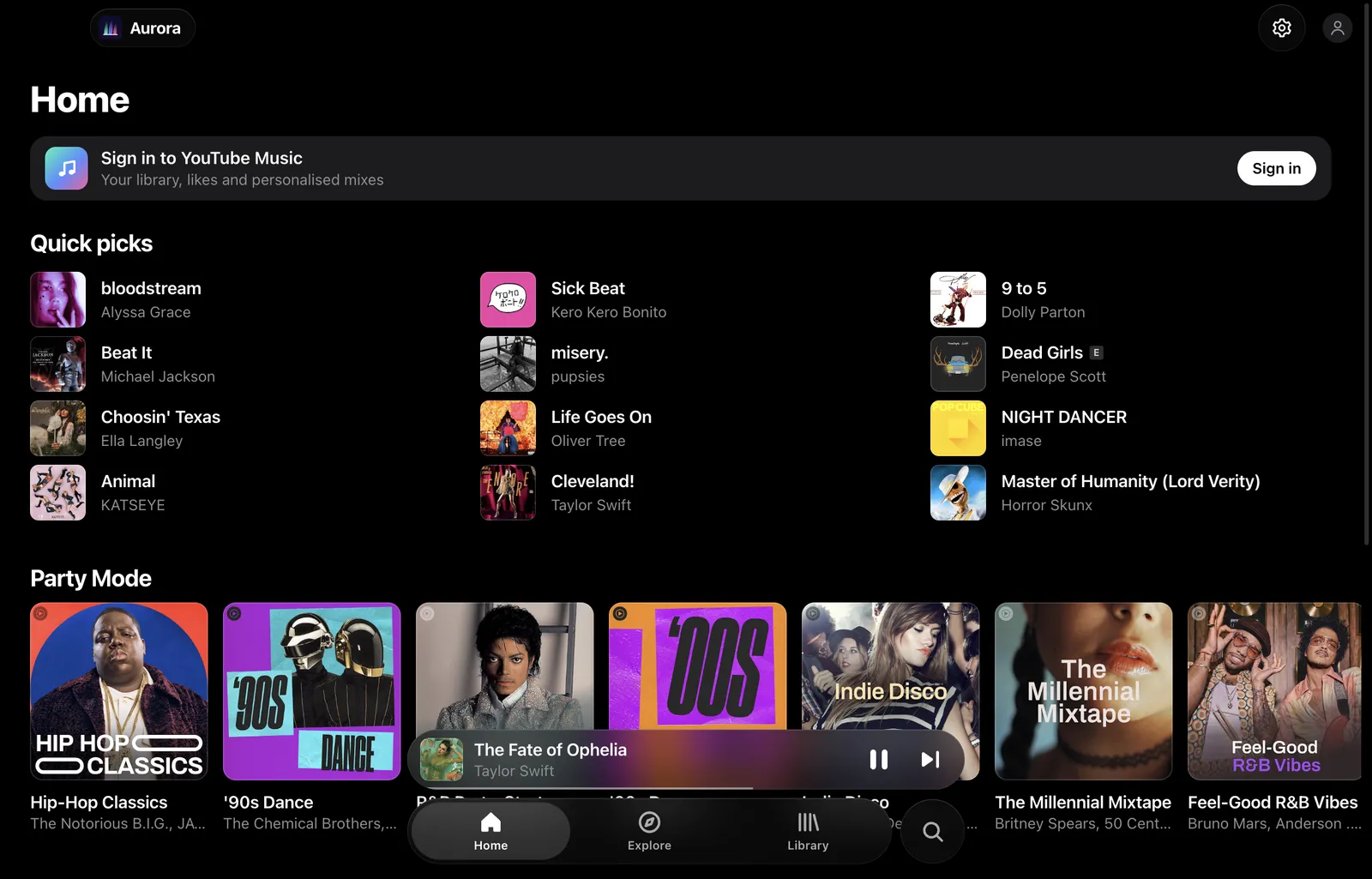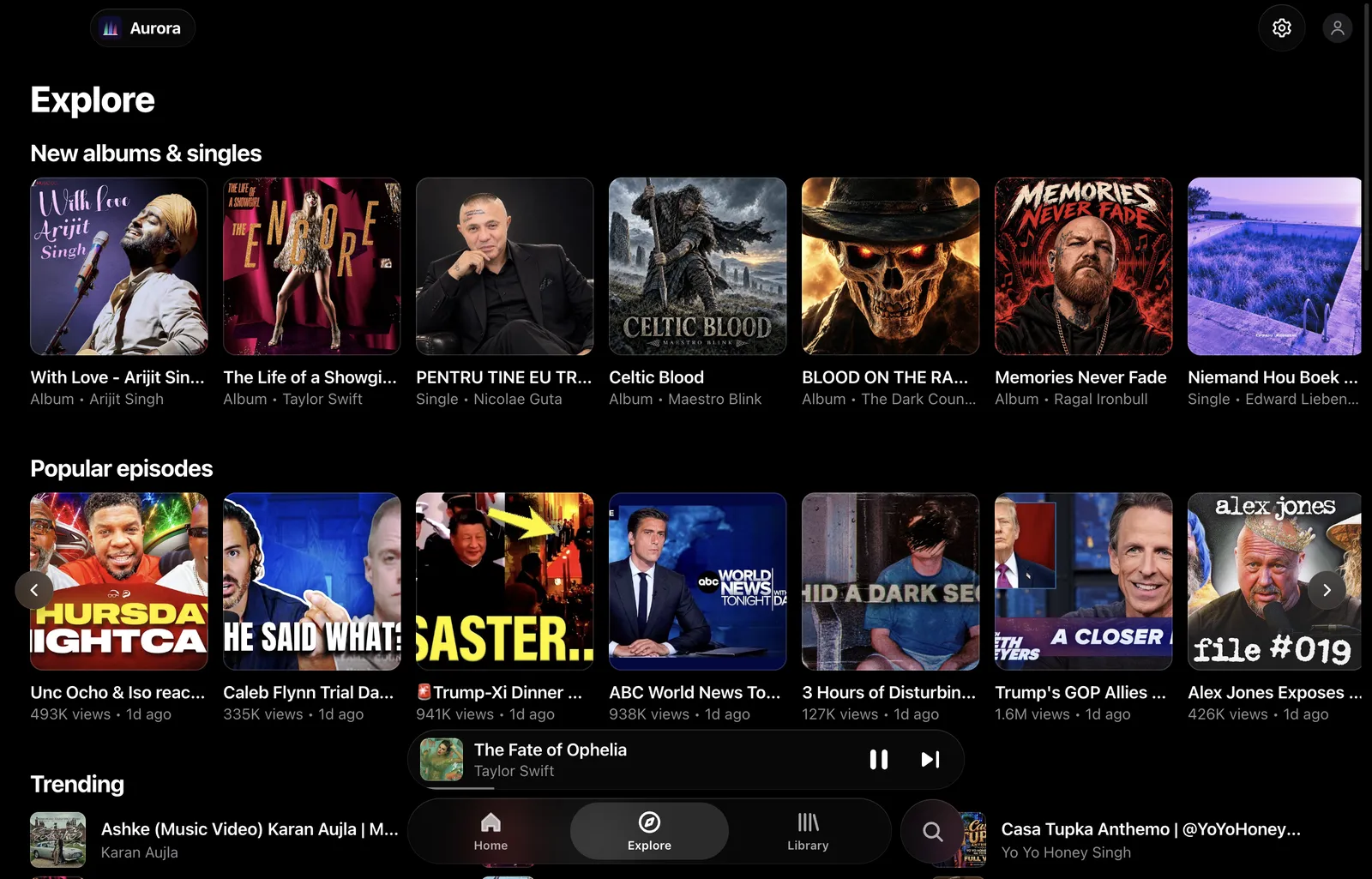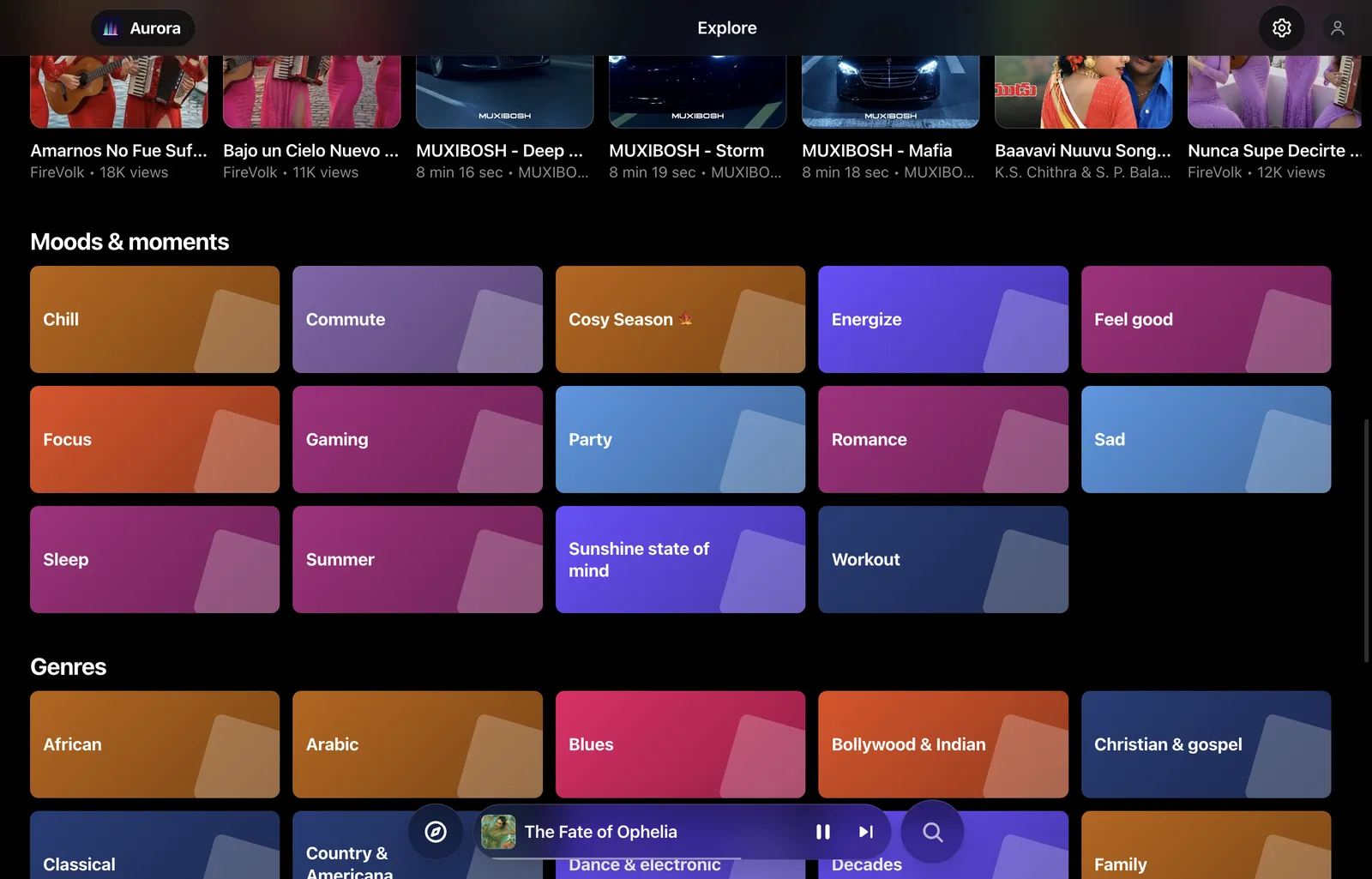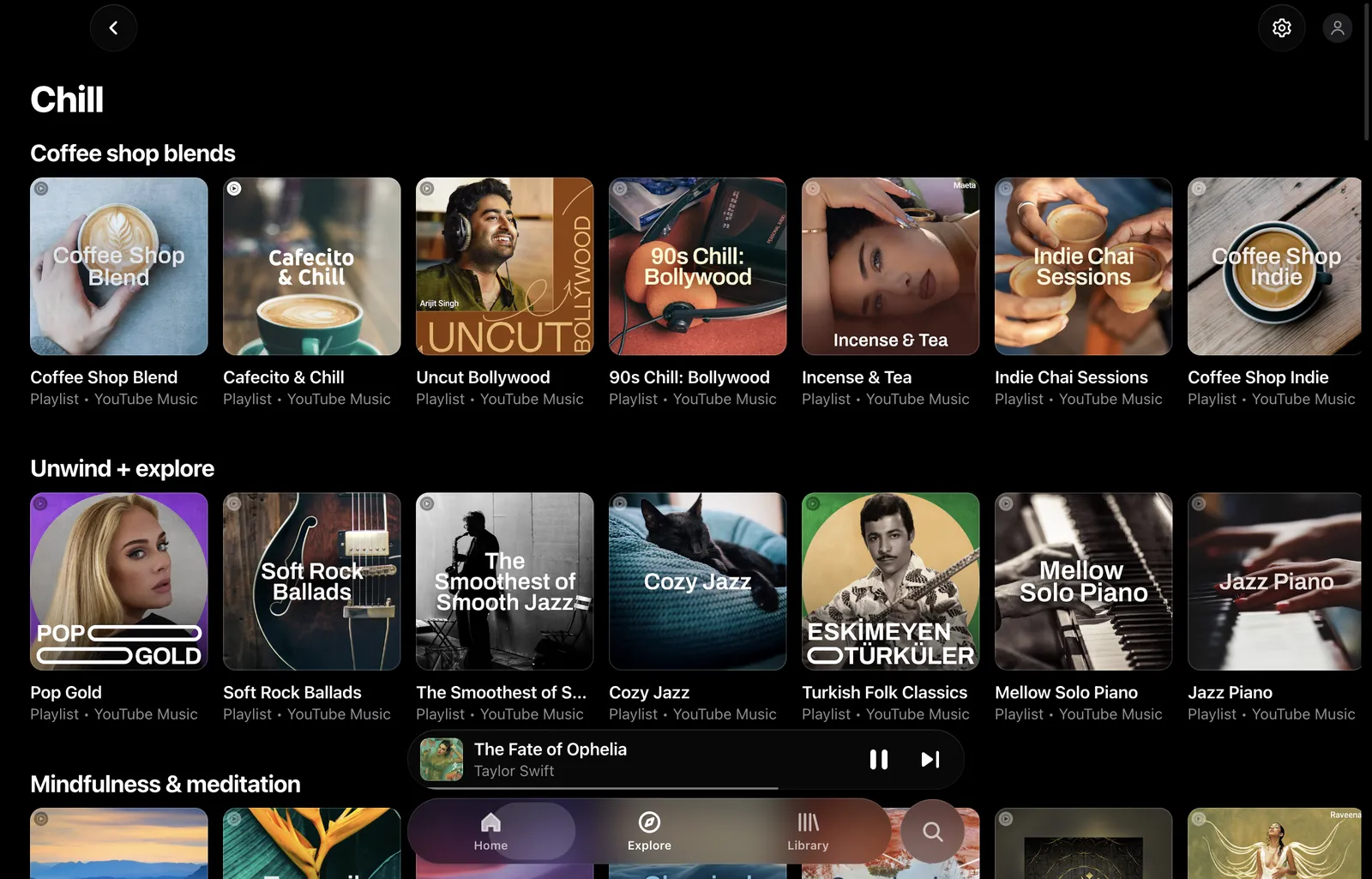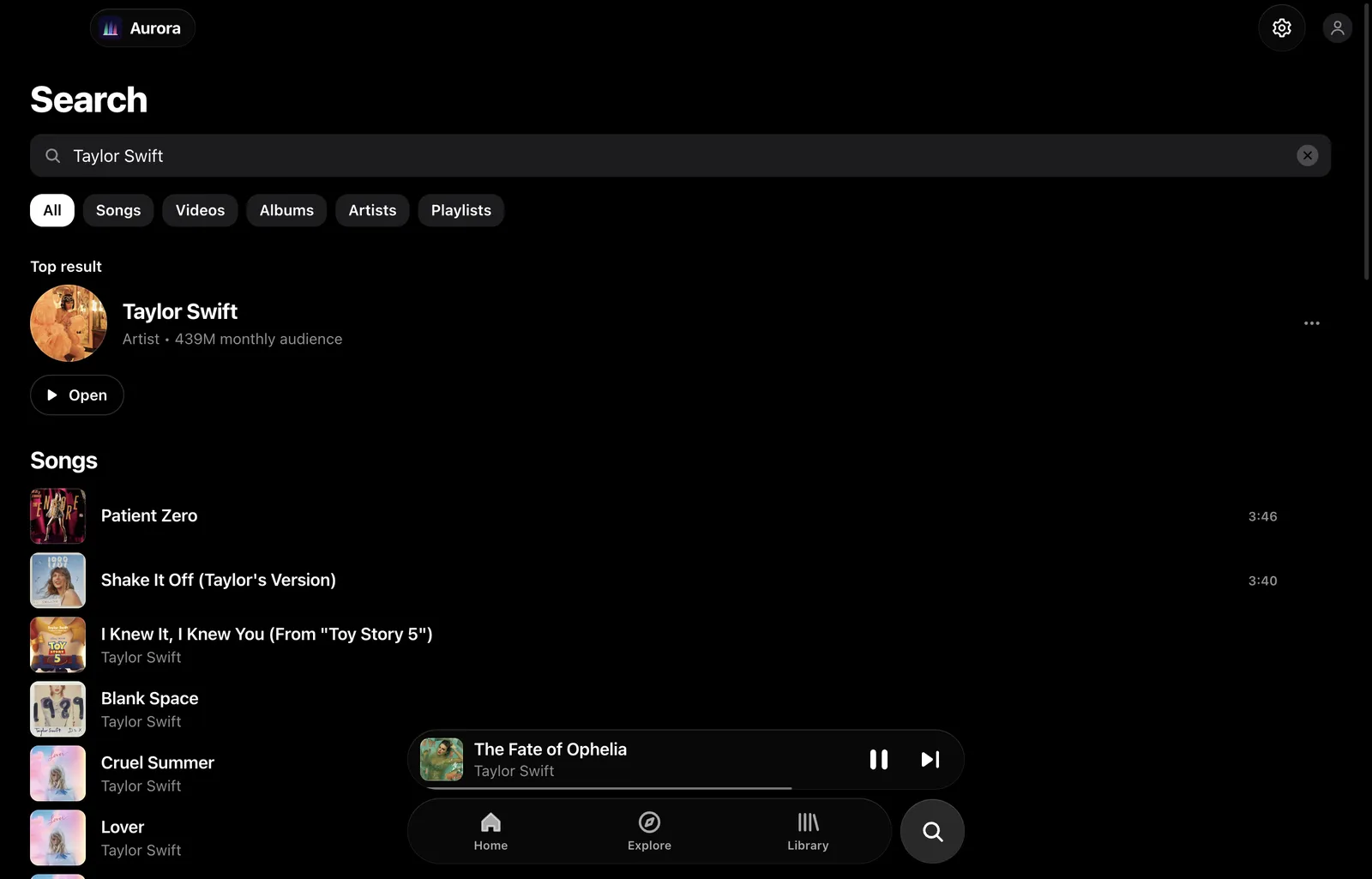
Every song, in its best light.

A YouTube Music player for your Mac, Windows or Linux desktop, with the calm design of Apple Music. Free and open source.

v1.0.0 for macOS, Windows, Linux, Android and iPhone. No account needed.

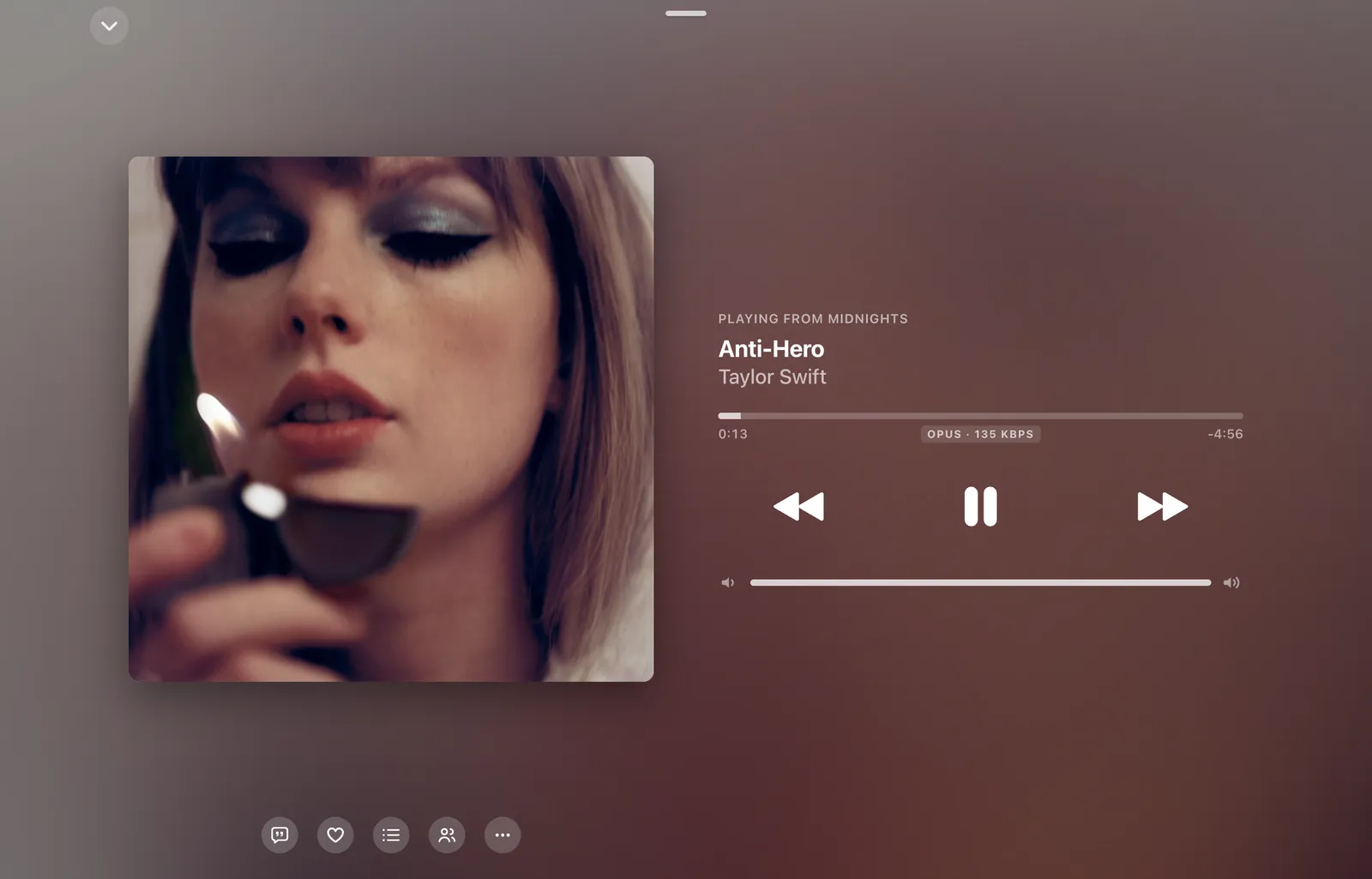
Aurora Music playing Anti-Hero by Taylor Swift, with the Midnights cover, progress bar and playback controls

Lyrics that keep time

Each word lights up as it's sung, so you can follow along or sing over the top. Click any line to jump to it.

Singing in a language you don't speak? Press Translate and every line gets its meaning underneath, in any of 31 languages.
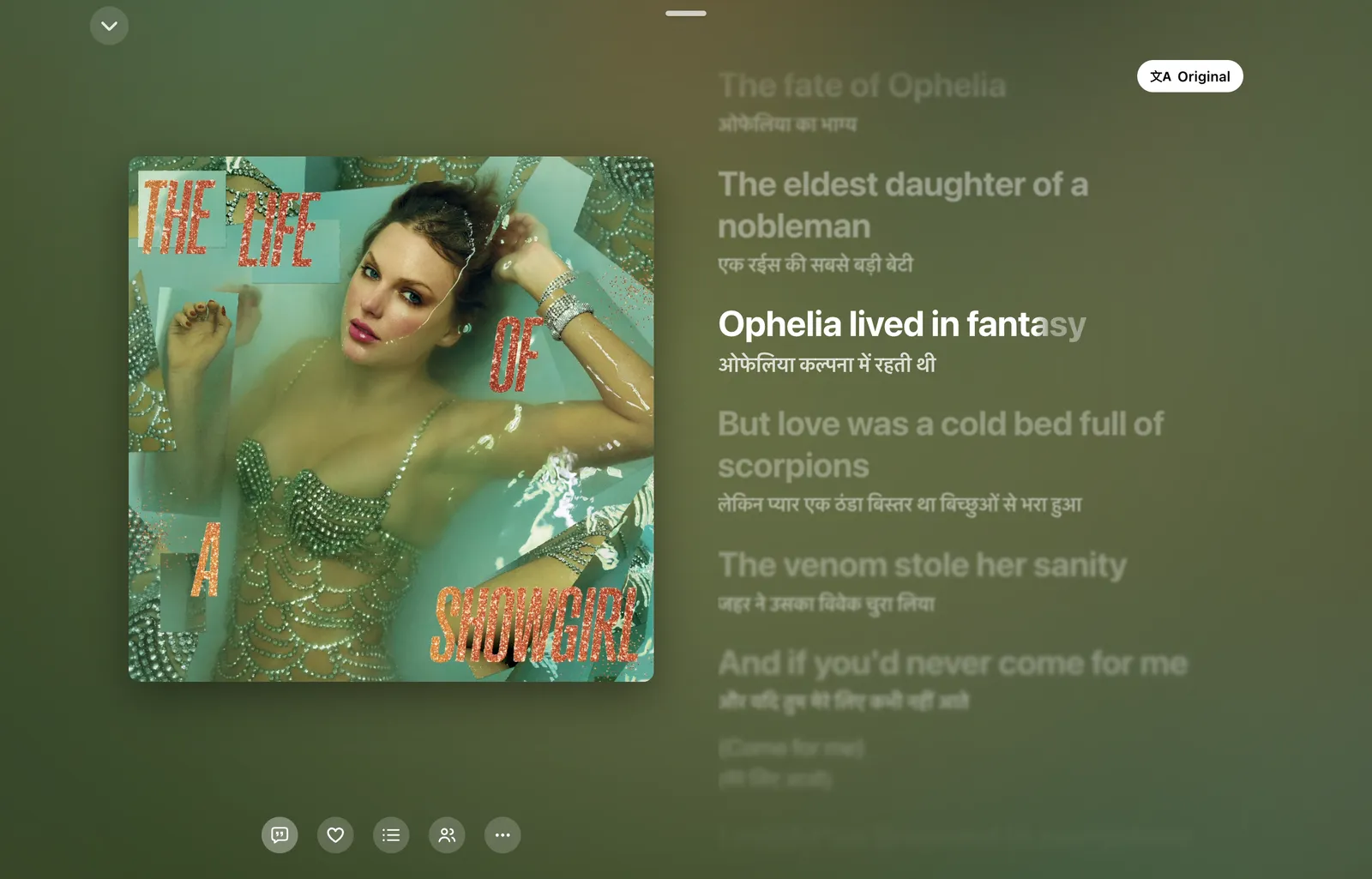
The same lyrics with a Hindi translation beneath each line

Covers that move

Albums that have motion artwork on Apple Music play it right in the sleeve, on album pages and while the song plays. Everything else keeps its still cover.

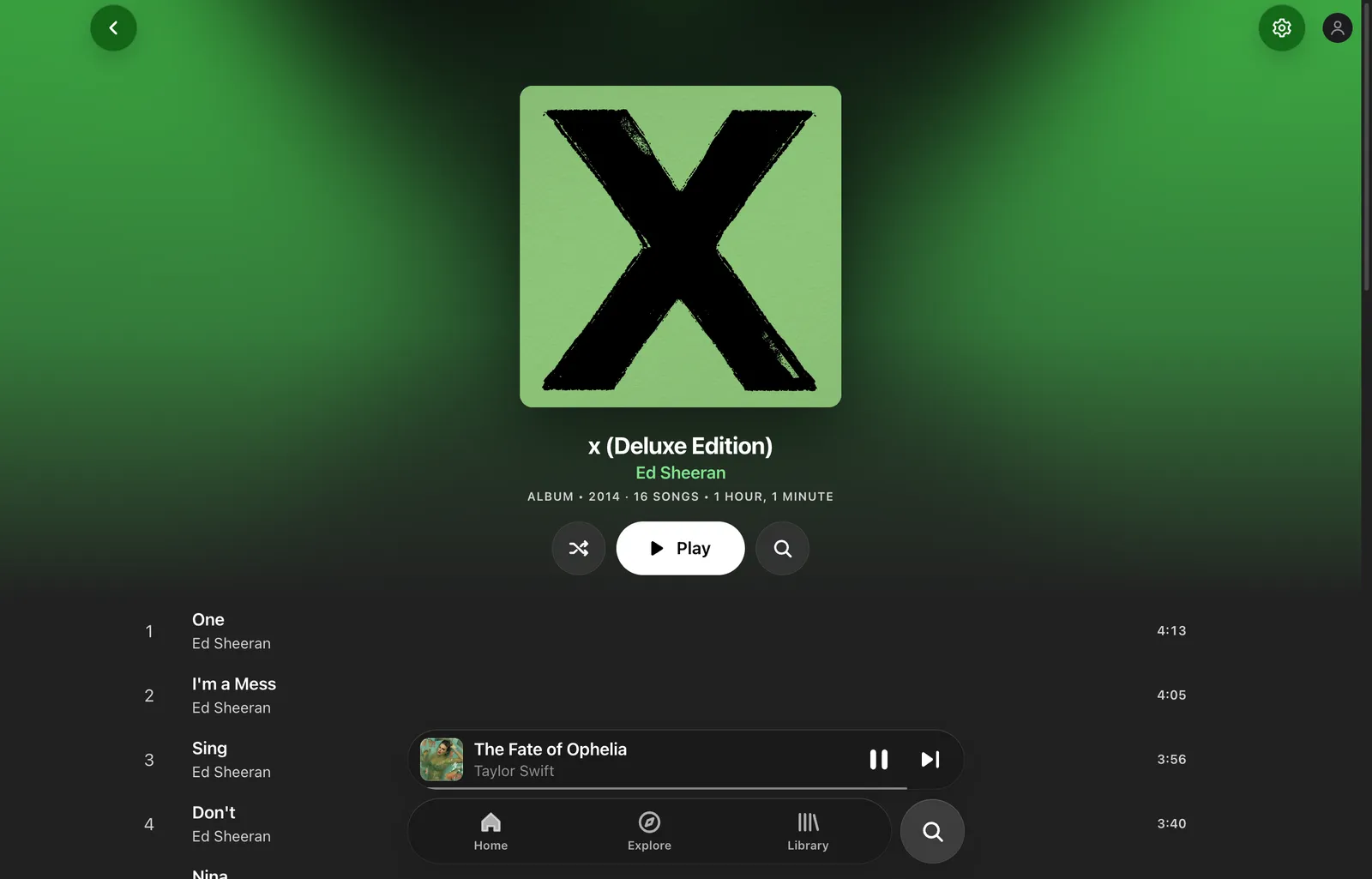
Each page takes its colour from the artwork, so no two albums look the same.

The album page for x by Ed Sheeran, tinted green from its cover

Have a look around

And the rest of it

Crossfade and gapless
The next song is ready before this one ends. Add up to 12 seconds of crossfade and they blend without a dip in volume.
Listen Together
Start a party, share the code, and up to five people hear the same song at the same second. Android friends on BitChord can join too.
Downloads and your own files
Save songs with their covers for offline listening, or add folders of MP3, FLAC, AAC, Opus or WAV and play them alongside everything else.
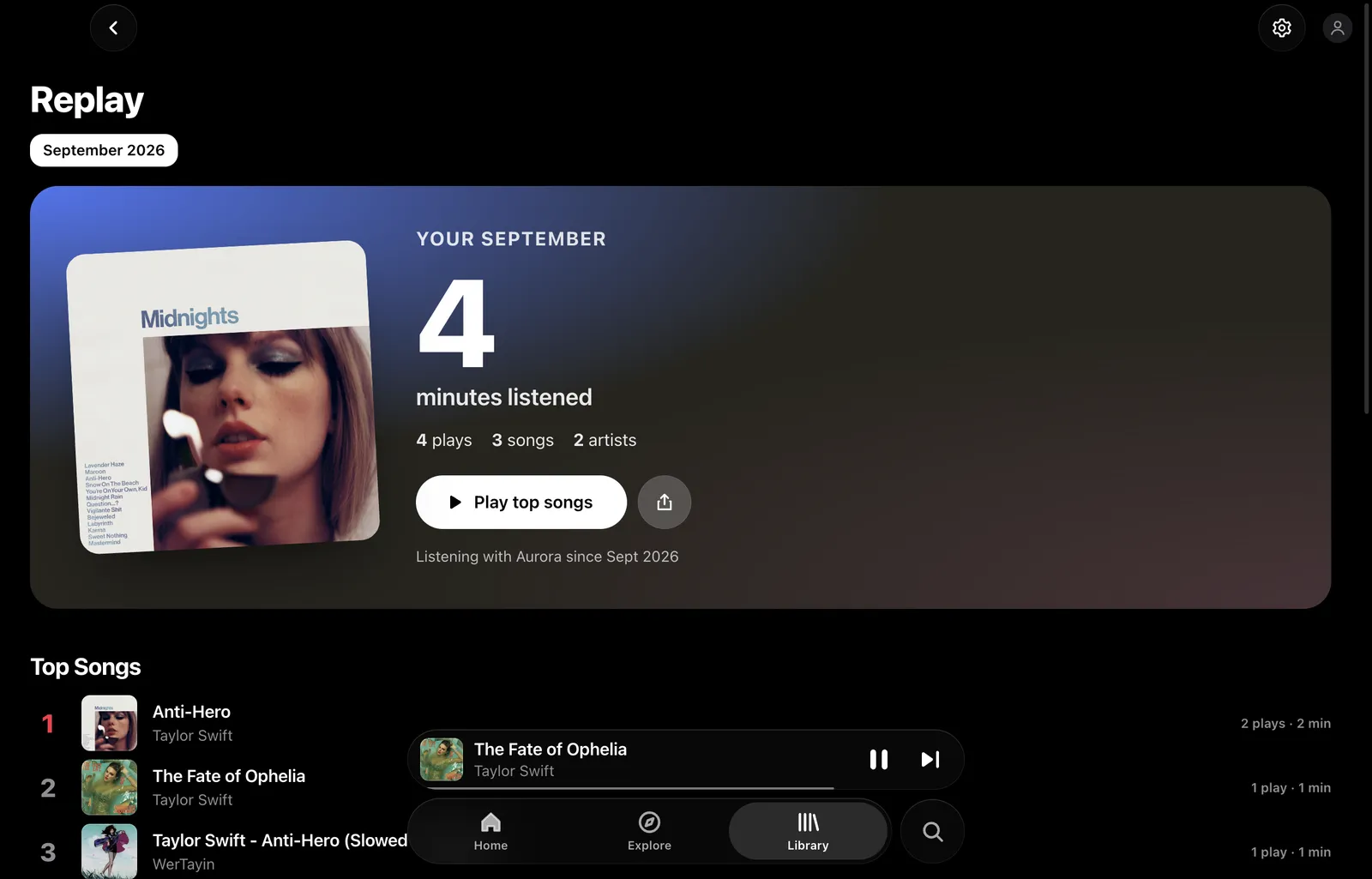
Replay
Minutes listened, top songs, artists and albums each month, counted on your computer and nowhere else.
Discord and scrobbling
Show what you're playing on Discord, and scrobble to Last.fm or ListenBrainz once you've actually heard the song.
Feels at home
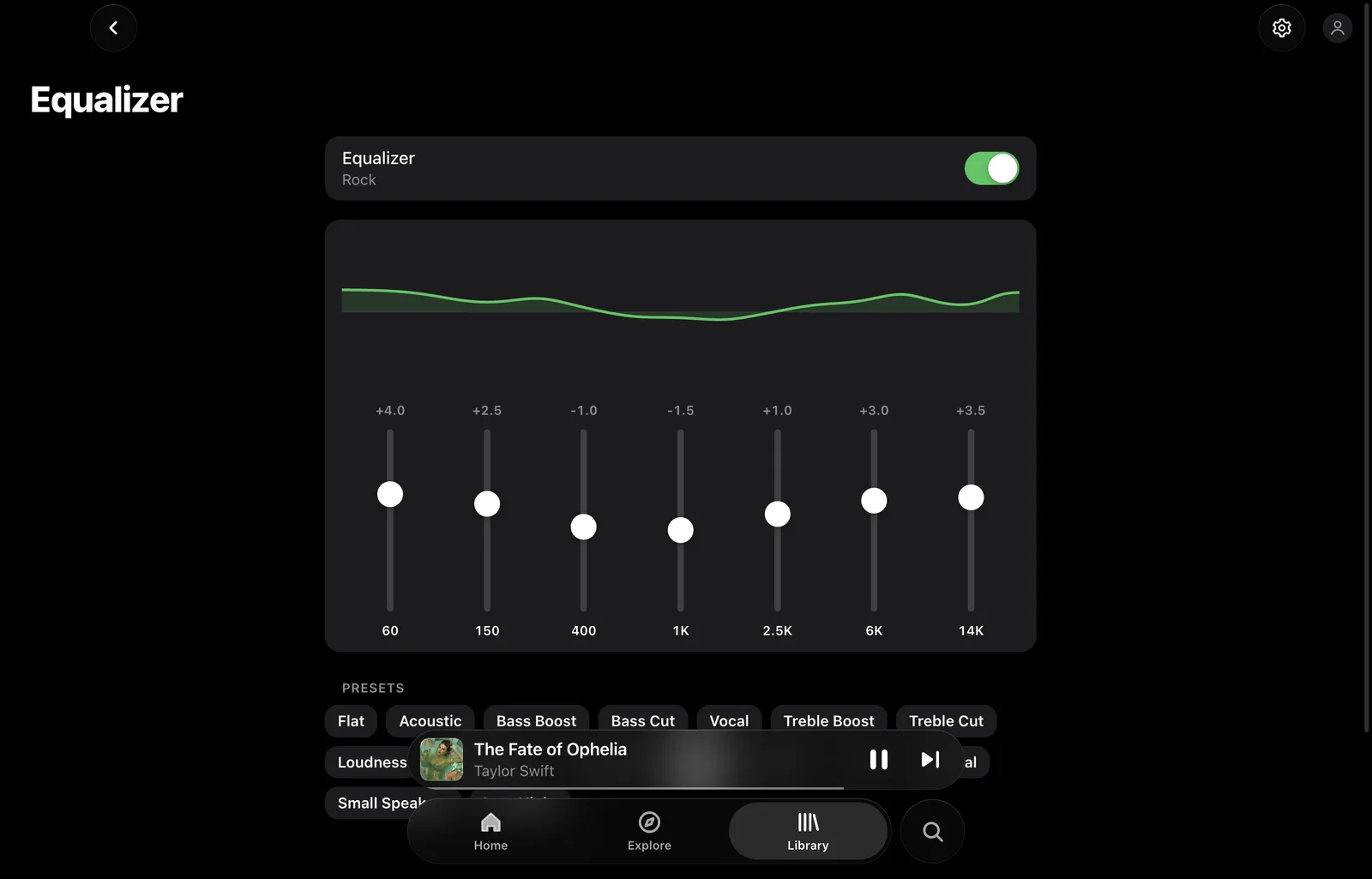
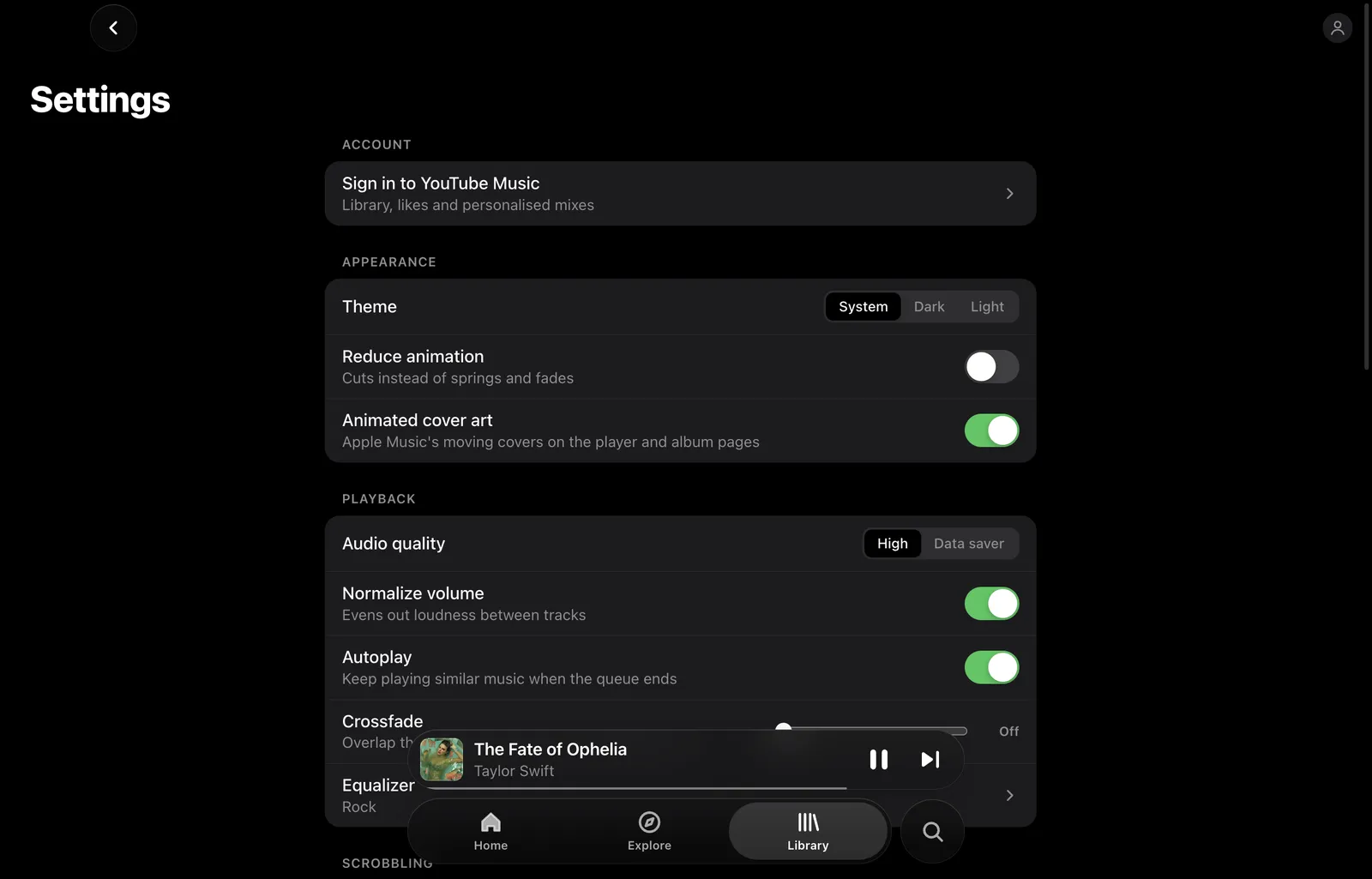
Media keys, your system's now-playing controls, light and dark themes, volume normalising and radio that keeps going when your queue ends.

Install in a minute

The builds aren't code-signed yet, so your system asks you to confirm once.

  1. Download the disk image

    One universal build, native on Apple silicon and Intel Macs.

    Download for macOS
  2. Drag it to Applications

    Open the disk image and drop Aurora Music into your Applications folder.

  3. Open it once

    The first time, right-click the app and choose Open, then Open again. After that it opens normally.

Latest release

Pulled live from GitHub.

v1.0.0Latest

Aurora Music 1.0

See every file in the latest release

Good to know

Is it really free?

Yes. No ads, no subscription and no tracking. Aurora Music is free software under the GPL-3.0, and the source is on GitHub.

Do I need a YouTube Music account?

No. You can search and play without signing in. Signing in with Google adds your library, liked songs and a personalised Home. Your session is kept encrypted in your system's keychain.

Where do downloads go?

To Music/Aurora Music in your home folder, each with its cover beside it. Downloaded songs play from disk, online or offline.

Can I listen together with BitChord users?

Yes. Listen Together uses the same party protocol as BitChord on Android, so anyone on the same party server can join.

Is it affiliated with YouTube or Apple?

No. Aurora Music is an independent project. It's styled after Apple Music's design and plays from YouTube Music, but neither company endorses it or is connected to it.

Press play.

Download Aurora Music